Model logo
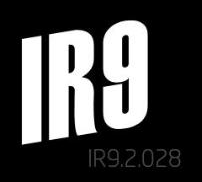
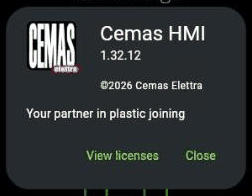
The logo shows the machine model; the serial number is located below the logo. Tapping the logo or the serial number opens a pop-up window displaying software information: the name and version of the HMI, the copyright notice and the View licences button, which lists the licences for the software in use; Close closes the pop-up.
Availability: machine option: appears if the machine Model is set (Machine settings > General settings > Optionals).
Appearance: model name in large, slanted white letters, with the serial number in grey below.
| Logo | Software information |
|---|---|
 |
 |
Position: on the Home page, bottom right, in place of the sixth unit.